OLED vs IPS
Prices, refresh rates and the differences between OLED and IPS desktop monitors in Australia.
Prices are for in-stock monitors, excluding portable monitors. Updated
How OLED and IPS work
An IPS (in-plane switching) panel is an LCD. A backlight shines through a layer of liquid crystals that lie parallel to the screen and turn to let more or less light through each subpixel. The backlight stays on while the screen is on, so black areas glow slightly, most visibly in a dark room.
In an OLED (organic light-emitting diode) panel, each subpixel makes its own light, so there is no backlight and black pixels are switched off. OLED pixels also change state faster than liquid crystals. The organic material wears with use, and a static image can wear some pixels faster than others, which is called burn-in. QD-OLED panels from Samsung Display use blue OLEDs with quantum dots, and WOLED panels from LG Display use white OLEDs with colour filters.
| OLED | vs | IPS |
|---|---|---|
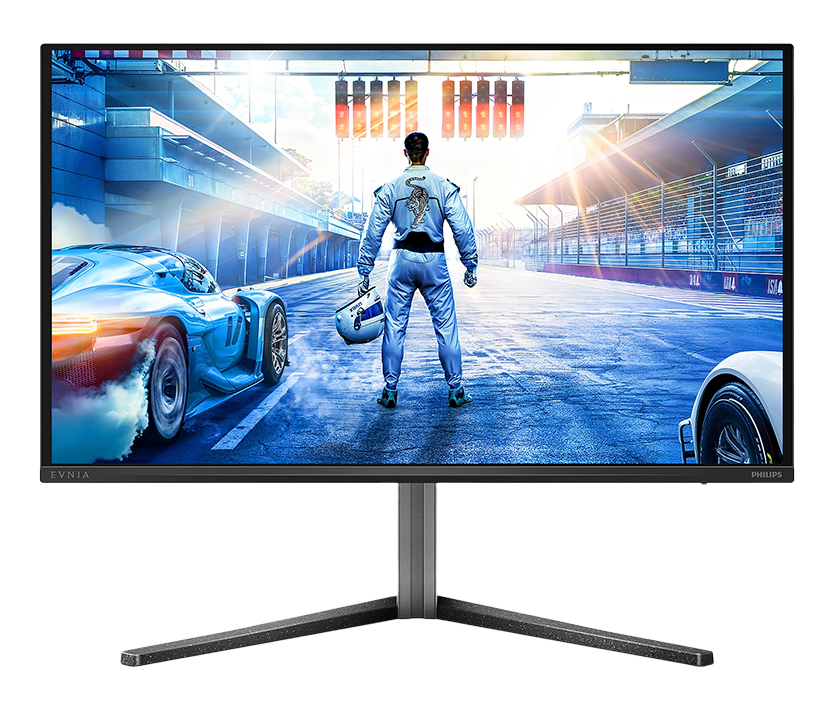 100 in stock · from $469 100 in stock · from $469 | 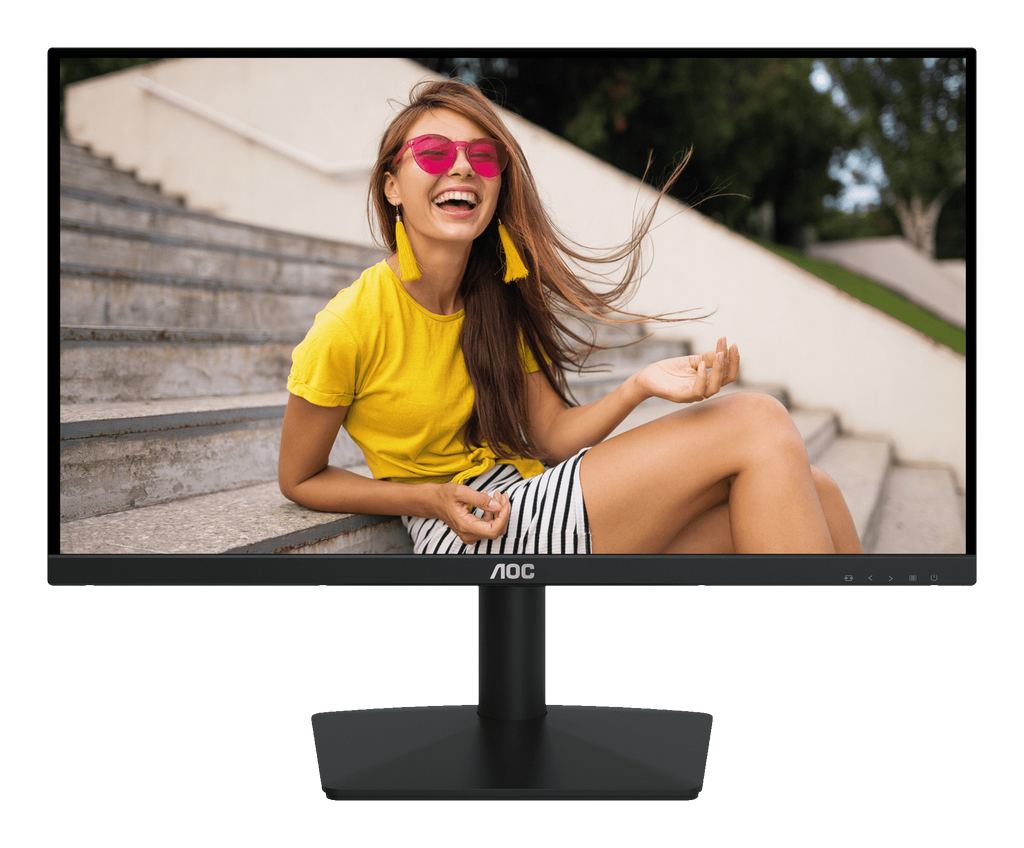 443 in stock · from $89 443 in stock · from $89 | |
| 240 Hz | Median refresh rate | 120 Hz |
| $469 | Lowest 27″ 2560 × 1440 at 240 Hz or more | $229 |
| Pixels switch off, so black areas give no light. | Black areas | The backlight stays on, so black areas glow slightly in a dark room. |
| A static image shown for long periods can wear its pixels faster than the rest. | Burn-in | Not affected. |
Prices by size and resolution
Sizes and resolutions sold with both panels, at any refresh rate. The solid bar is the lowest price and the lighter bar runs to the median.
| OLED | Screen | IPS |
|---|---|---|
| $469 Median $829 | 27″ class · 2560 × 1440 | $135 Median $343.39 |
| $869 Median $1,488.28 | 27″ class · 3840 × 2160 | $217 Median $594 |
| $999 Median $1,524 | 32″ class · 3840 × 2160 | $479 Median $1,049 |
| $899 Median $1,399 | 34″ class · 3440 × 1440 | $559 Median $944.65 |
| $1,249 Median $1,799 | 49″ class · 5120 × 1440 | $1,979 Median $1,989 |
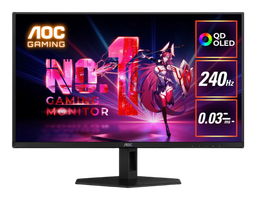
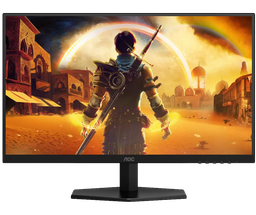
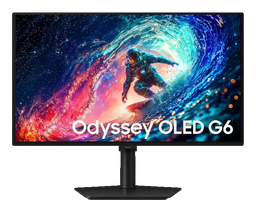
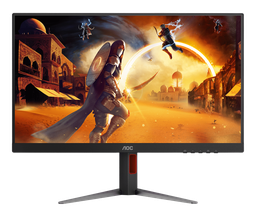
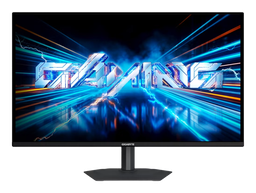
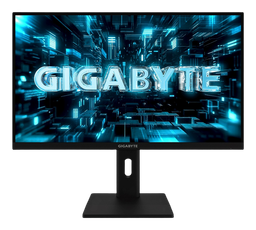
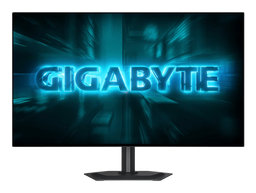
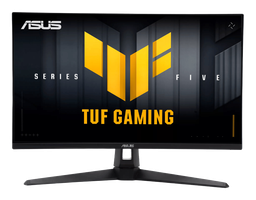
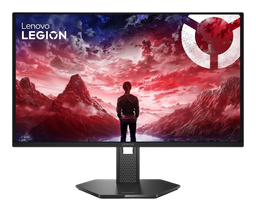
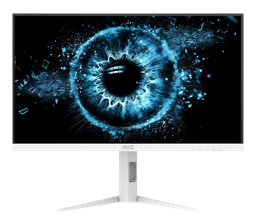
Cheapest 27″ 2560 × 1440 monitors at 240 Hz or more
Refresh rates
Monitors in stock in each band of rated refresh rate.
| OLED · 100 monitors | Hz | IPS · 443 monitors |
|---|---|---|
| | 420–540 | |
| | 250–360 | |
| | 200–240 | |
| | 155–180 | |
| | 144 | |
| | 120 | |
| 100 | | |
| 60–75 | |
Questions
Do OLED monitors get burn-in?
They can. An image left on screen for long periods, such as a taskbar or a game's HUD, wears its pixels faster than the rest and can leave a faint permanent outline. OLED monitors reduce it by shifting the image slightly and refreshing the panel while in standby, but do not prevent it. IPS monitors do not get burn-in.
How do OLED and IPS prices compare?
The lowest-priced 27″ 2560 × 1440 OLED monitor is $469. IPS monitors at the same size and resolution start at $135, or $229 at 240 Hz or more.
Why can text look less sharp on OLED monitors?
Windows ClearType smooths text for subpixels in a row of red, green and blue, as on IPS panels. QD-OLED panels arrange their subpixels in a triangle and WOLED panels add a white subpixel, so text can show coloured fringes. The fringes are less visible at higher pixel densities, such as 4K at 27 or 32 inches.